Overview
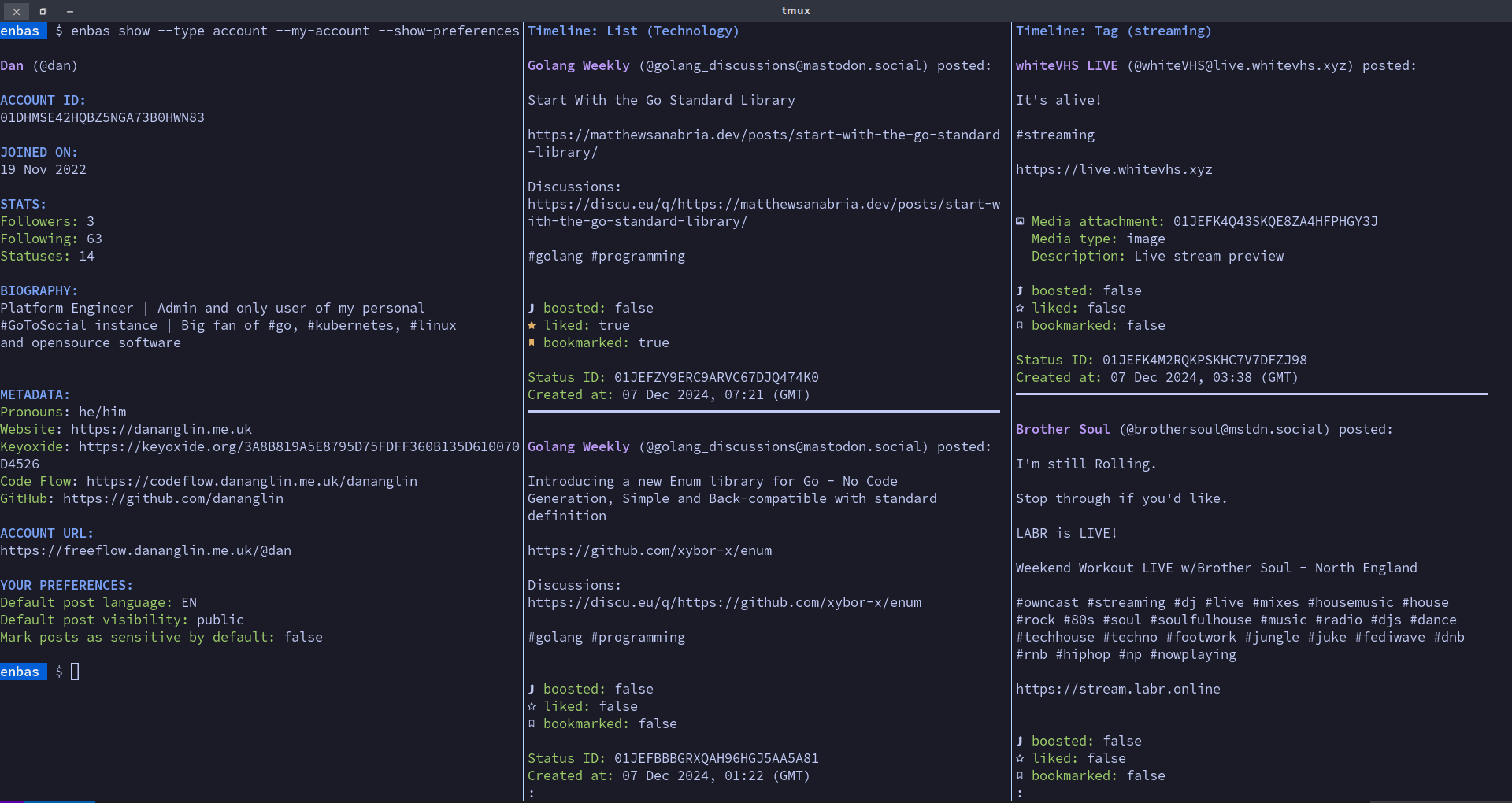
enbas is a CLI application that allows you to interact with your GoToSocial instance from your terminal. With enbas you can perform operations such as:
- reviewing your account information
- viewing, creating, deleting and boosting statuses
- viewing timelines
- viewing media attachments from statuses using your favourite media player
- viewing, following, and blocking accounts
- creating and voting in polls
- viewing, creating, editing and deleting your lists
- …and much more
Motivation
This project was created from the desire to interact with my GoToSocial instance and explore the Fediverse from the comfort of my own terminal emulator. This application is developed for those who use GoToSocial and spend most of their time in the terminal. If you like the idea of scrolling through your timelines in your favourite terminal emulator instead of a GUI or a browser then enbas might interest you.
Requirements
- Your favourite terminal emulator: For best results choose a modern terminal emulator such as Alacritty, Kitty, Foot, Ghostty or Wezterm. By default enbas uses ANSI colours so make sure your terminal is configured to use your favourite colour scheme.
- A nerd font: A nerd font is required to correctly display icons such as displaying the boost icon when viewing a status. Make sure you have a nerd font installed and that your favourite terminal emulator is configured to use it. See https://www.nerdfonts.com/ for more information about nerd fonts.
- A browser: A browser is needed for you to complete the login process and if you want to view certain resources in the browser such as an account or a status.
- A video player (optional): A video player is required if you want to play videos from media attachments.
- An image viewer (optional): An image viewer is required if you want to view images from media attachments.
- An audio player (optional): An audio player is required if you want to play audio from media attachments.
Development
This project is actively developed in Code Flow with
the main branch mirrored to Codeberg.
Licensing
The licensing information associated with each file is specified in the REUSE.toml file, but in general:
- All original source code is licensed under
GPL-3.0-or-later. - All documentation is licensed under
CC-BY-4.0.
Inspiration
This project was inspired by the following projects: